If you misplace your Triangle Mastercard or want to temporarily disable it for security reasons, the Triangle app provides an easy “Card Hold” feature to lock and unlock your card instantly.
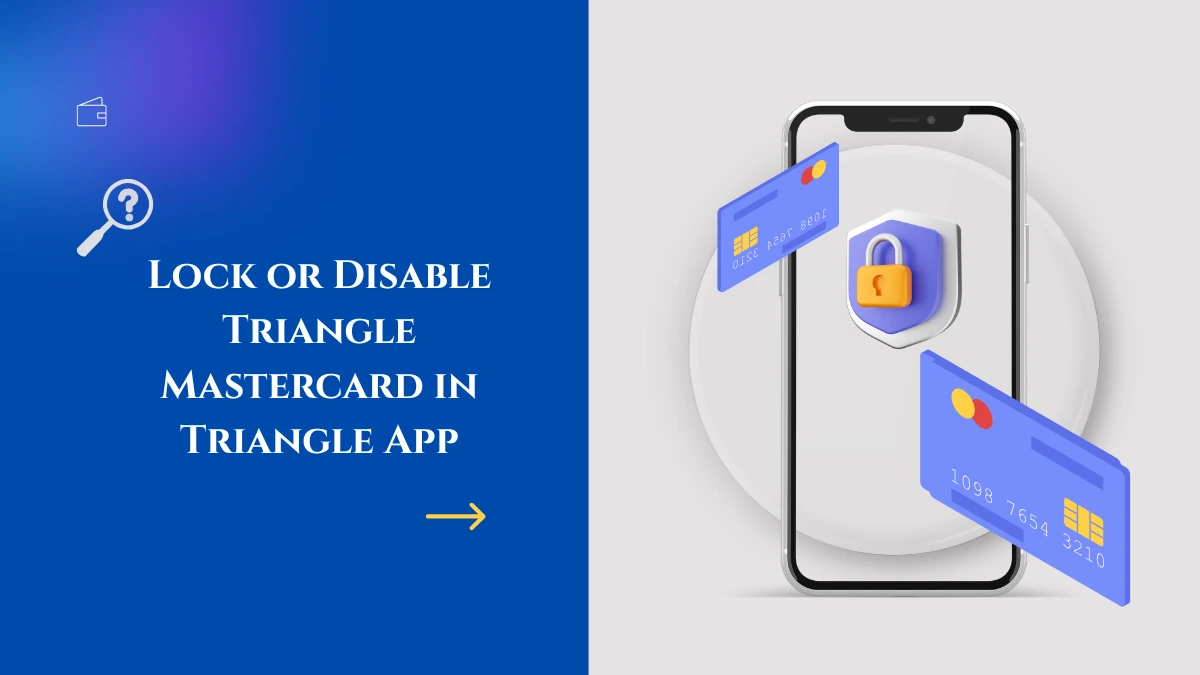
Step-by-Step Guide to Lock Your Triangle Mastercard
- Make sure the Triangle app is downloaded on your smartphone (available on iOS and Android supports Apple Pay / Google Pay) and Log in using your credentials.
- Tap on the Settings tab to access card management settings at the top of the screen, on the left side, under Card Settings, select Card Hold.
- Toggle the slider to activate Card Hold which locks your card and prevents new purchases or transactions using your card.
- Click Submit or Confirm to apply.
- When locked, new charges declined, but recurring transactions like subscriptions or automatic bill payments will continue to process as usual.
- Whenever you want to resume normal card use, toggle the Card Hold slider off to unlock and activate your Triangle Mastercard instantly.
Benefits of Using Card Lock in the Triangle App
- Provides peace of mind if you temporarily lose your card.
- Prevents unauthorized new transactions or fraud while you search for your card.
- Easy toggle on/off without needing to call customer service.
- Maintains recurring payments like subscriptions during the lock.
- Avoids the hassle of reporting lost cards unnecessarily if you later find your card.
Additional Security Tips
- Set up alerts in the app for any declined transaction attempts.
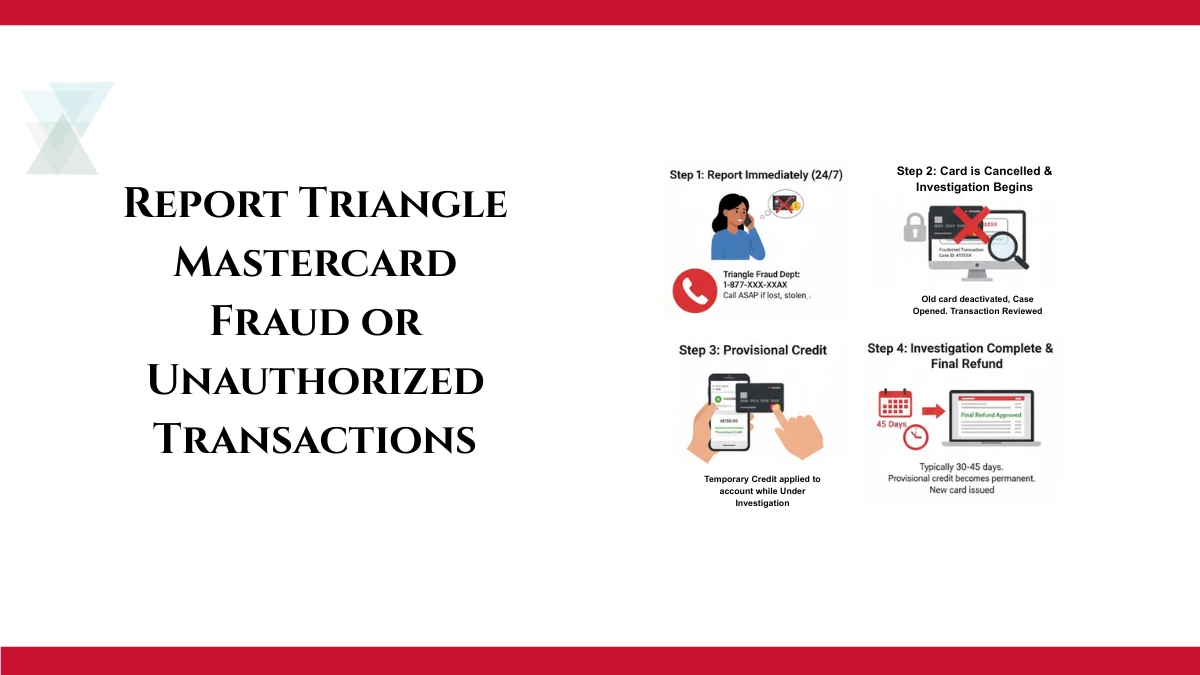
- Immediately report your card as lost or stolen if unable to locate it after locking.
- Use the app regularly to monitor account activity.
This convenient Card Hold feature within the Triangle app empowers you to manage your Triangle Mastercard rewards card securely and efficiently with just a tap.