The primary cardholder of a Triangle Mastercard can add authorized users, also known as supplementary cardholders, to their account.
This allows family members or others to have an additional card linked to the primary account for making purchases.
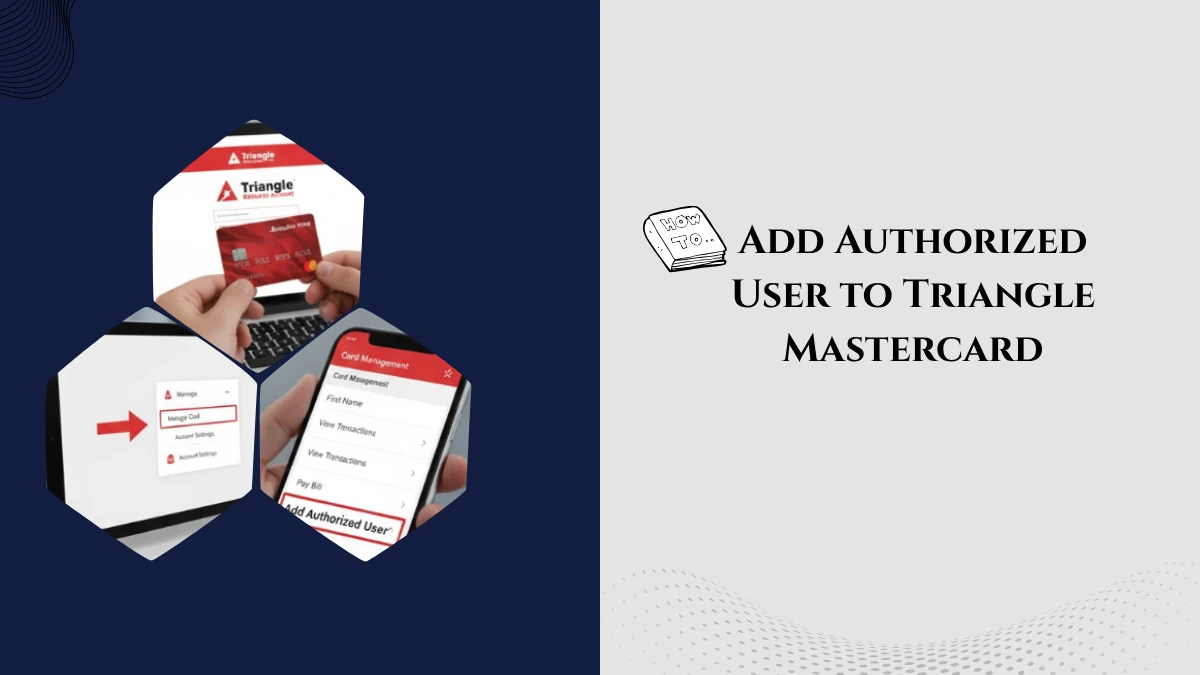
How to Add an Authorized User to Your Triangle Mastercard
- Log into the Triangle App or Online Account
Access your account via the Triangle app or the online portal. - Navigate to Manage Cards
Go to the Accounts’ tab > select Manage Cards, and then choose Request a Supplementary Card or a similar option. - Provide Authorized User Details
Enter the authorized user’s full name, date of birth, and sometimes Social Insurance Number (SIN) or other identification details as required. - Submit the Request
After filling in the details, submit the request to Canadian Tire Financial Services for processing. - Receiving the Supplementary Card
Once approved, the authorized user will receive their own Triangle Mastercard linked to your account.
Important Things to Know
- Financial Responsibility: The primary cardholder fully responsible for all charges made on the authorized user’s card.
- Credit Impact: Authorized user activity can affect the credit score of the primary cardholder, the authorized user typically does not have a credit history impact unless the issuer reports otherwise.
- Spending Control: The primary cardholder can monitor authorized user spending through account statements.
- Benefits Sharing: Authorized users contribute to rewards accumulation, but do not get a separate reward account, points earned pooled into the primary cardholder’s Triangle Rewards account.
- Fees: Check if there are any fees for adding authorized users; some cards may charge a supplementary card fee.
Who Can Be Added?
Family members such as spouse, children, or other trusted individuals can be added as authorized users. Minimum age or identification criteria may apply.