Closing or canceling a Triangle Mastercard account can be done simply by contacting Canadian Tire Financial Services customer service.
Here is a clear step-by-step guide to help cardholders close their account properly:
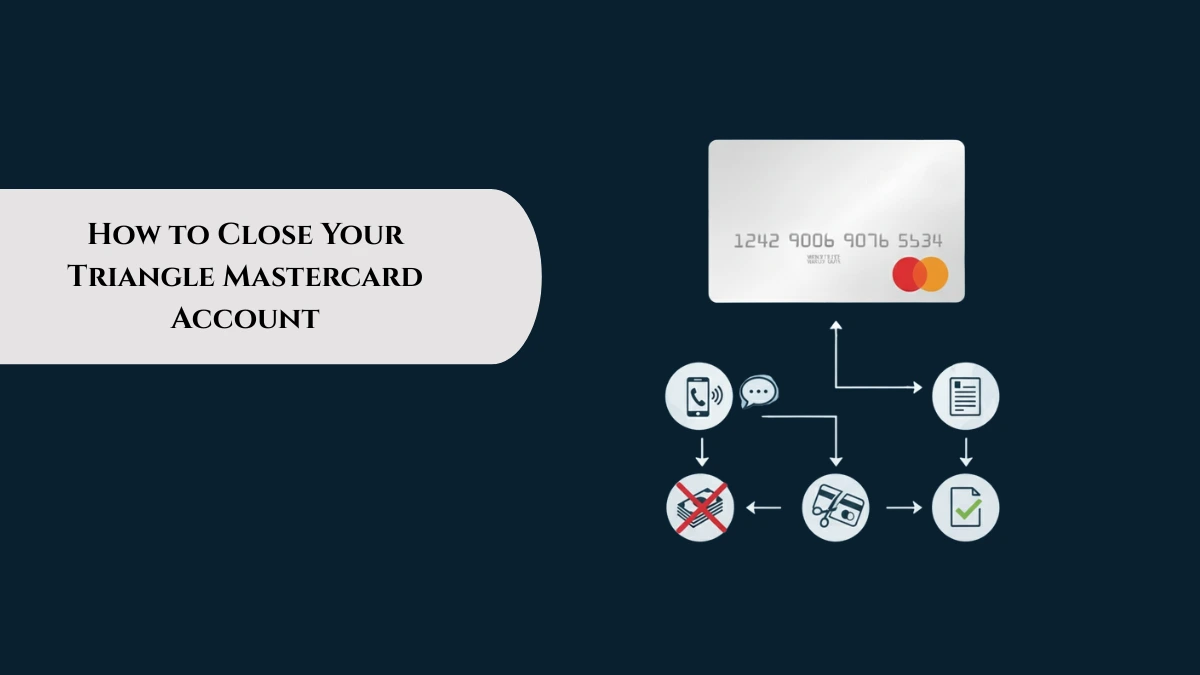
Steps to Close Your Triangle Mastercard Account
- Pay Off Any Outstanding Balances : Before canceling, ensure all balances on your card, including pending transactions and fees, are fully paid to avoid further interest or penalties.
- Update Recurring Payments : Transfer or cancel recurring payments linked to your Triangle Mastercard to prevent future declined charges or missed payments.
- Call Customer Service : Contact Canadian Tire Financial Services at 1-800-226-8473 (available Monday to Friday 8:00 am to 9:00 pm EST and weekends 9:00 am to 5:00 pm EST) to request account closure. Be prepared to verify your identity.
- Request Confirmation of Closure : Ask for written confirmation (email or mail) that your account has been closed to keep for your records.
- Destroy Your Physical Card : Cut up and safely dispose of your Triangle Mastercard to prevent its misuse after cancellation.
- Monitor Your Credit Report : Check your credit report after about 30 days to confirm the account status is updated as closed.
Important Considerations
- Closing your account will also close your Triangle Rewards account associated with the card, and you may lose CT Money; check what happens to Triangle Mastercard rewards after card cancellation.
- Canceling your card might have a small impact on your credit score, especially if it’s one of your oldest or highest-limit cards.
- No fee is charged for closing an account.
- If you have questions or difficulties, Triangle Mastercard customer service and complaint solutions can assist with the process.
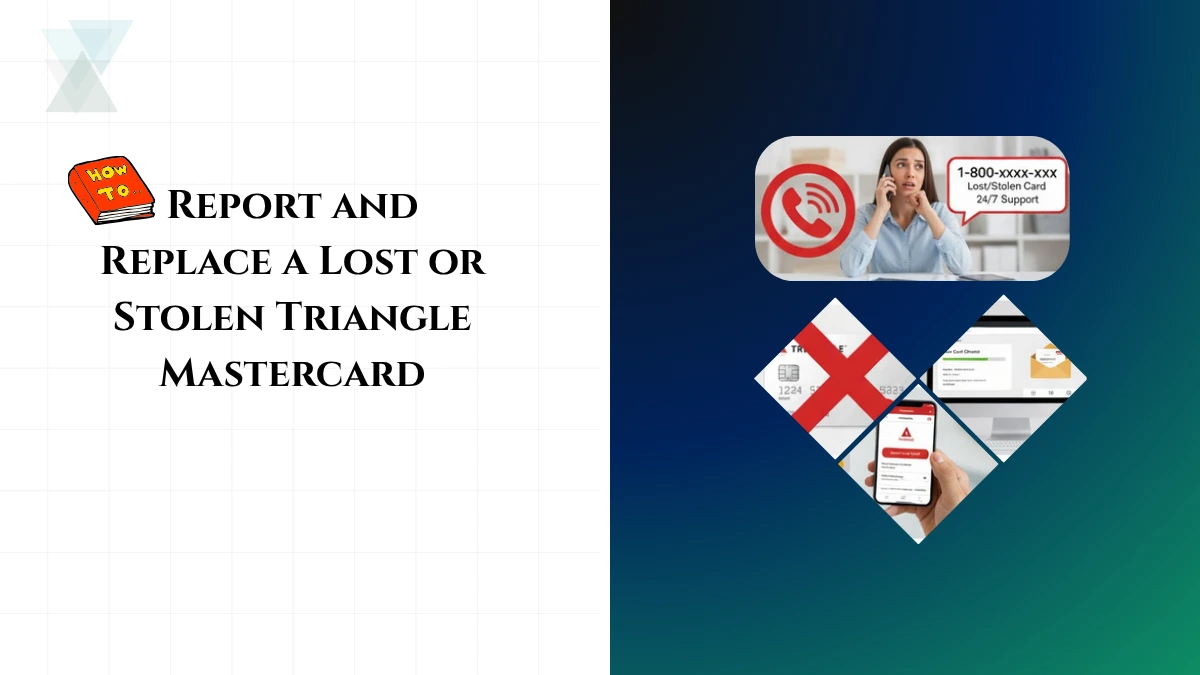
- If your card is lost or stolen before closing, report and replace a lost or stolen Triangle Mastercard as soon as possible to prevent misuse.
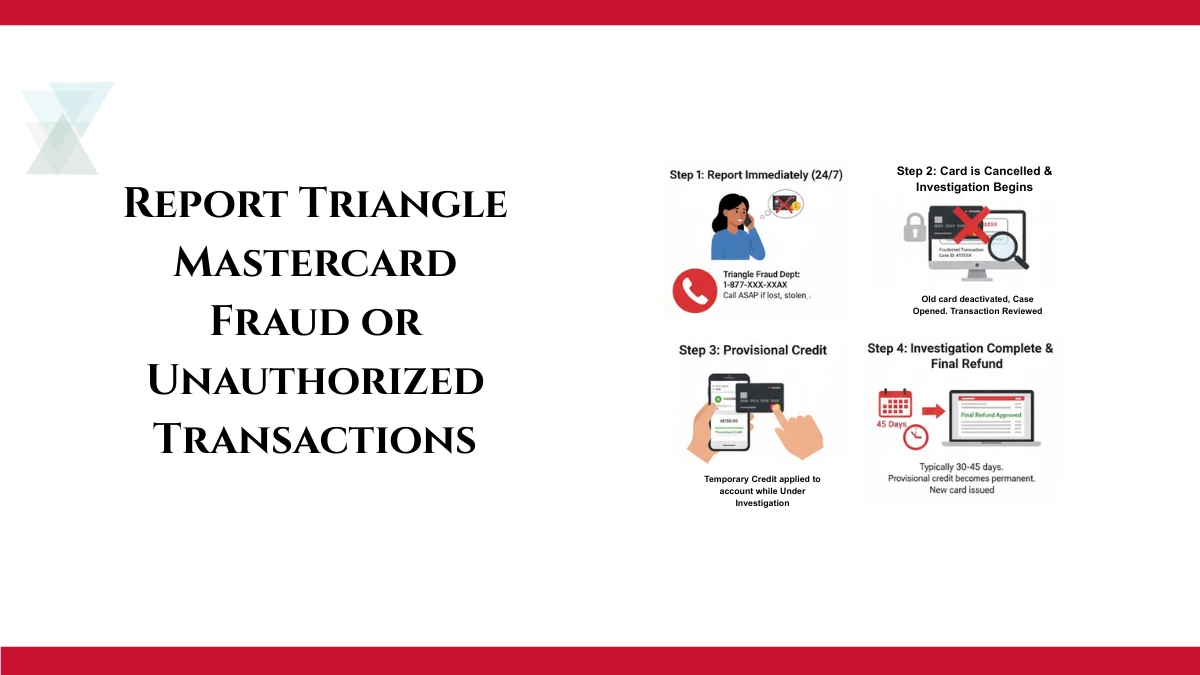
- In case of unusual charges, promptly report fraud or unauthorized transactions and request a refund to protect your account before or after closure.
Reference: https://triangle.canadiantire.ca/en/support/membership-and-account.html
Summary: Closing your Triangle Mastercard is straightforward: Just pay off debts, inform customer service, confirm closure, and safely discard the card. Monitoring your credit report afterward ensures everything is processed correctly.